Zone Series · OSC Generator
Build OSC for Optimal Audio Zone 4/4P/8/8P controllers — copy the path for Companion, QLab or TouchOSC, or grab the raw OSC bytes for a binary sender like the Symetrix Radius NX12x8 (also Crestron, AMX…).
Full OSC message — paste straight into SchwiftyEx, a QLab network cue, or any OSC tool with a text field. Binary senders (Symetrix Radius, Crestron, AMX) should use the raw bytes above instead.
The byte block is the complete OSC message exactly as it goes on the wire — send it verbatim from any binary/raw UDP sender.
How to send OSC to Optimal Audio Zone
Zone 4/4P/8/8P controllers accept Open Sound Control over Ethernet — the same paths documented in the 3rd-party control section of Optimal Audio's WebApp User Guide. OSC is a binary protocol, not ASCII: each message is an address string, a type-tag, then the value, all null-padded to 4-byte boundaries. This tool builds that packet for you.
Put the Zone on your network
Wire the Zone unit to the same LAN as your controller. Reach it at optimalaudio.local or its IP (WebApp → Settings → Network). A static IP is recommended for fixed installs.
Open a socket to port 8000
Open a UDP or TCP socket to the Zone on port 8000. UDP is fine for fire-and-forget control; TCP lets you also read parameters and receive live updates.
Send the packet
OSC-native senders (Companion, QLab, TouchOSC) take the address + value above. On a Symetrix Radius NX12x8, add a String Output module in binary/hex mode, paste the Symetrix (comma-hex) copy, aim it at the Zone's IP on UDP 8000, and add no carriage return (max 63 bytes/message). Crestron/AMX: use the hex or 0x array.
Zone levels
Source & limits
Sync, status & version
Values. Levels are floats (,f) sent as a percentage 0–100 (e.g. 50 = 50%). Source select takes an integer (,i) index.
Reading back. Over TCP, send /oa/zone/sync for all parameters, or /oa/zone/status/sync for names + status; while the socket stays open, live changes stream to you. Status replies (faults, clips, temperatures) arrive as floats on /oa/zone/status/….
Official templates. Optimal Audio publishes ready-made TouchOSC files (Zone4OSC, Zone8OSC, StatusOSC) at optimal-audio.co.uk/support/software. This generator is a companion for senders that aren't OSC-native. More on the Optimal Audio WebApp.
Featured products
-
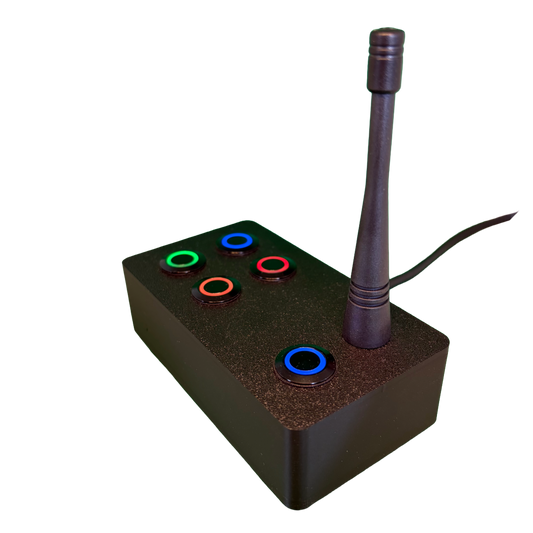
SchwiftyEx – Wireless MIDI & OSC trigger for Exhibits & Performance
Regular price €320,00 EURRegular price -
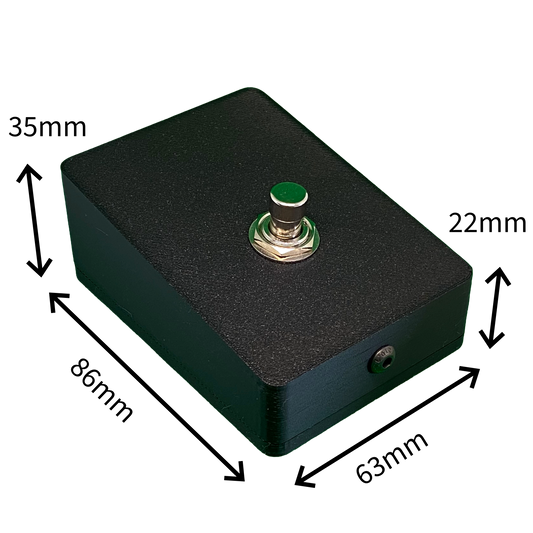
SchwiftyStomp footswitch
Regular price €64,00 EURRegular price -
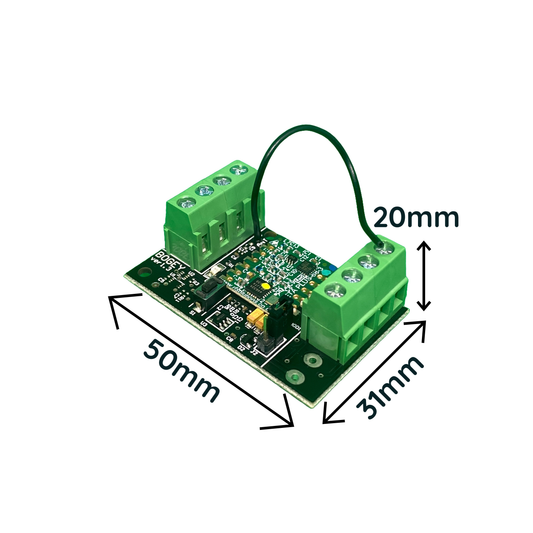
SchwiftyBogey
Regular price €48,00 EURRegular price -
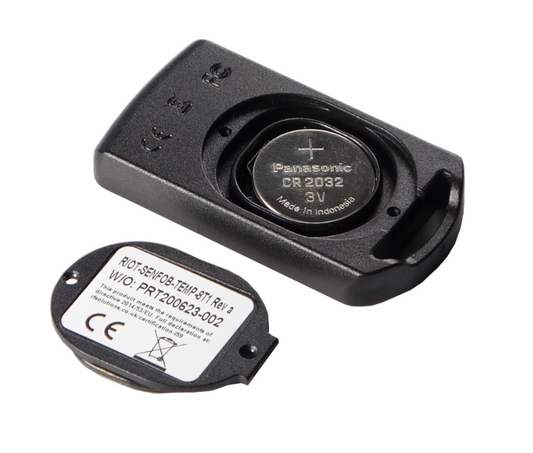
SchwiftyRemote
Regular price €40,00 EURRegular price