DiGiCo is a product of DiGiCo ↗ — this is a free, independent tool, not affiliated with or endorsed by DiGiCo.
DiGiCo SD / Quantum · OSC Generator
Build OSC to control DiGiCo SD & Quantum consoles — channels, snapshots & macros. Copy the string into Companion, QLab, TouchOSC or any OSC sender.
…/Input_Channels/N/fader (float), /mute (int), /solo (float), /Channel_Input/phantom (float). Mute 1 = muted.
Manual & examples
Add this computer as a device in the console's Setup → External Control, matching the command set (iPad or OSC), then copy any example into your OSC app.
Enable External Control
Console Setup → External Control → add a device with your sender's IP and a receive port; pick the iPad or OSC command set and match it in the selector above.
Build a message above
Pick a tab (Channel, Snapshot, Macro…), set the fields, and the panel on the right shows the finished message live.
Send it
Paste into Companion, QLab, TouchOSC or any OSC app, aimed at the console's IP and External Control receive port.
Examples shown for the iPad command set (no prefix); switch to OSC above to prefix every address with /sd. Macro press sends macro − 1. Fader units differ by command set: the iPad set uses a dB float (0 = 0 dB, −150 = off); the OSC (/sd) set uses a normalised 0.0–1.0 value (0.75 ≈ 0 dB) — so if you're on the OSC command set, treat the dB value here as iPad-only and send 0–1 via the Raw tab. Channel/aux/group counts depend on your console model.
Featured products
-
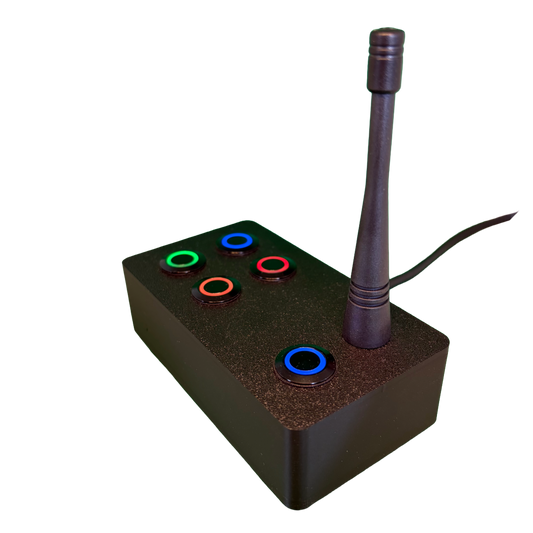
SchwiftyEx – Wireless MIDI & OSC trigger for Exhibits & Performance
Regular price 3.050,00 DKKRegular price -
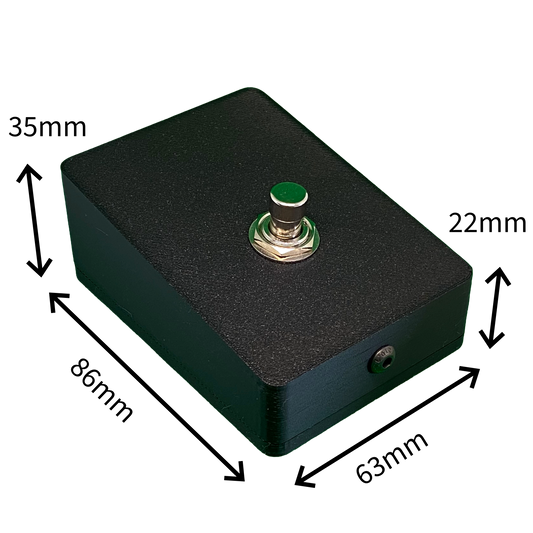
SchwiftyStomp footswitch
Regular price 610,00 DKKRegular price -
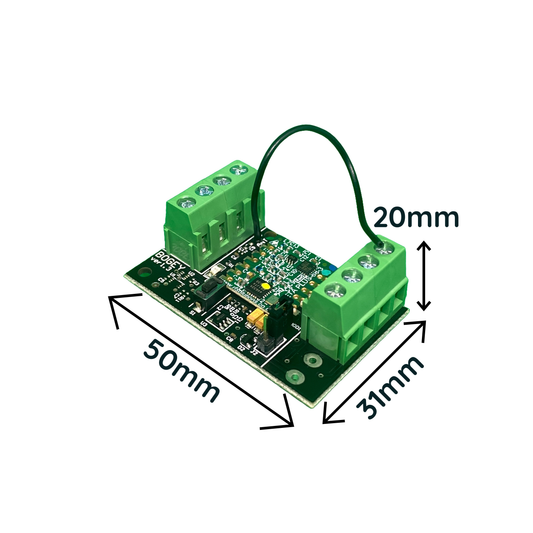
SchwiftyBogey
Regular price 458,00 DKKRegular price -
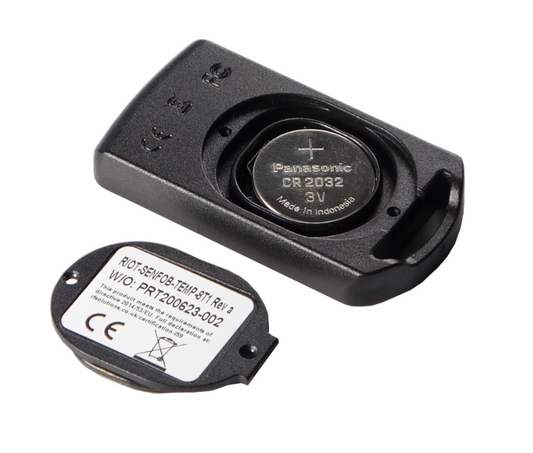
SchwiftyRemote
Regular price 382,00 DKKRegular price