A&H dLive is a product of Allen & Heath ↗ — this is a free, independent tool, not affiliated with or endorsed by Allen & Heath.
Allen & Heath dLive · MIDI Message Generator
Build MIDI for A&H dLive (MixRack / Surface) — scene recall, mutes & fader levels as ready-to-send bytes. Send over MIDI-over-TCP or a MIDI interface.
MixRack scene recall — Bank Select then Program Change: Bn 00 bank + Cn scene. 500 scenes across 4 banks (1–128 = bank 0, 129–256 = bank 1, …). Uses the base MIDI channel.
Utility → Control → MIDI to match the value above. dLive uses a range of five MIDI channels (base N … N+4) to address the different channel types.
Manual & examples
Copy any ready-made message below into your MIDI sender. Bytes are shown in hex, following Allen & Heath's dLive MIDI over TCP/IP protocol (examples here use base MIDI channel 1).
Set the base MIDI channel
On dLive: Utility → Control → MIDI. Note the base channel and set it above so the channel-type offsets line up.
Build a message above
Pick a tab (Scene, Mute, Fader…), set the fields, and the panel on the right shows the MIDI bytes live.
Send the bytes
Send via a MIDI interface, or MIDI-over-TCP to the MixRack (51325) or Surface (51328).
Examples assume base MIDI channel 1. Inputs use the base channel; Groups/Aux/Matrix add +1/+2/+3; FX, Mains, DCAs and Mute Groups sit on +4 with different note ranges. Change the base channel above and every message updates.
Featured products
-
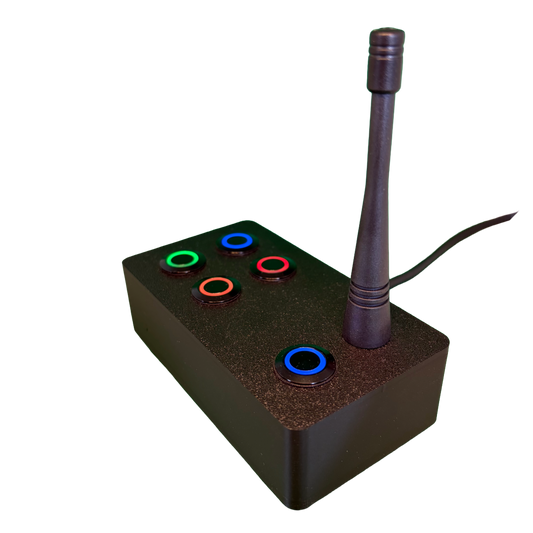
SchwiftyEx – Wireless MIDI & OSC trigger for Exhibits & Performance
Regular price 3.051,00 DKKRegular price -
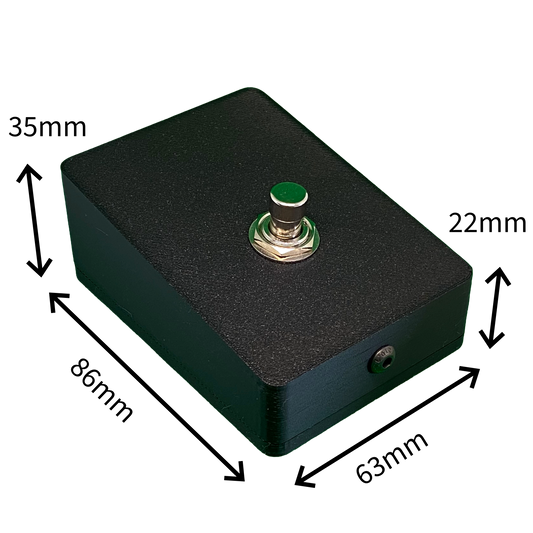
SchwiftyStomp footswitch
Regular price 611,00 DKKRegular price -
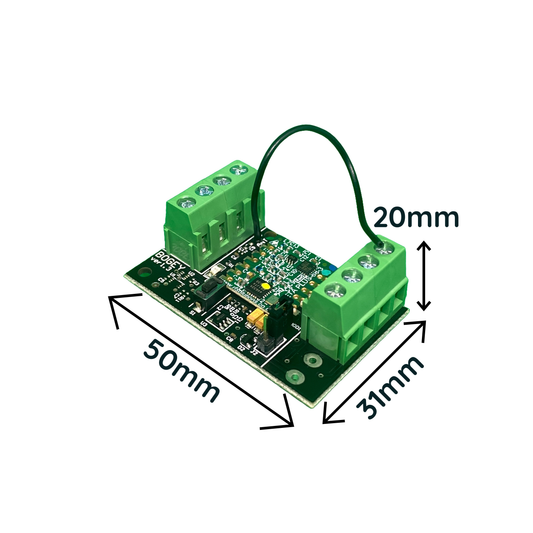
SchwiftyBogey
Regular price 458,00 DKKRegular price -
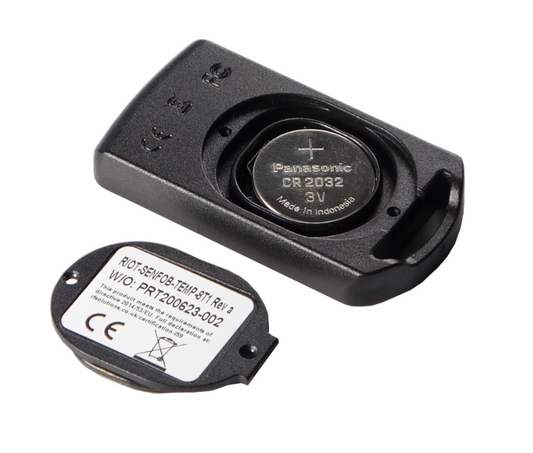
SchwiftyRemote
Regular price 382,00 DKKRegular price