ETC Eos is a product of ETC ↗ — this is a free, independent tool, not affiliated with or endorsed by ETC.
ETC Eos · OSC Message Generator
Build OSC for Eos-family consoles (Eos, Gio, Ion, Element, ETCnomad) — copy the string into Companion, QLab, TouchOSC or any OSC sender.
Sent as a string to /eos/cmd (or /eos/newcmd). In Eos OSC, # means Enter — without it the command line is set but not run.
Manual & examples
New to OSC? Do the three steps once, then copy any ready-made example straight into your OSC app. Every message below already uses your prefix and User from the top bar.
Turn on OSC in Eos
On the console: Setup → System Settings → Show Control → OSC. Enable OSC RX and note the OSC RX Port (and choose UDP/TCP to match your sender).
Build a message above
Pick a tab (Command, Key, Cue…), set the fields, and the panel on the right shows the finished message live.
Copy it into an OSC sender
Paste into Companion, QLab, TouchOSC or Open Stage Control, aimed at the console's IP and the OSC RX port from Step 1.
Numbers are examples — channel 1, cue 1/5, sub 1. Swap in your own. All Eos OSC begins with /eos; the command line runs exactly what you'd type, and # is Enter.
ETC Eos is a product of ETC ↗ — this is a free, independent tool, not affiliated with or endorsed by ETC.ETC Eos · MIDI
Same console, over MIDI — MIDI Show Control, or raw Note / CC / Program Change (for MIDI-remote mappings).
Note/CC/PC are raw channel-voice MIDI (9n/8n note+velocity, Bn CC+value, Cn program). What they trigger depends on the console’s MIDI-remote mapping.
Featured products
-
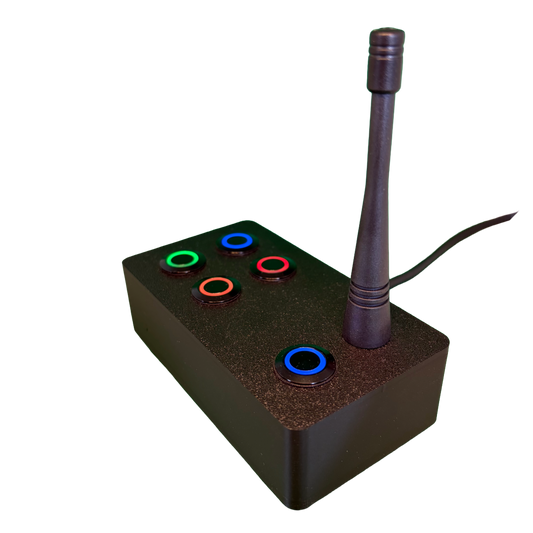
SchwiftyEx – Wireless MIDI & OSC trigger for Exhibits & Performance
Regular price 3.051,00 DKKRegular price -
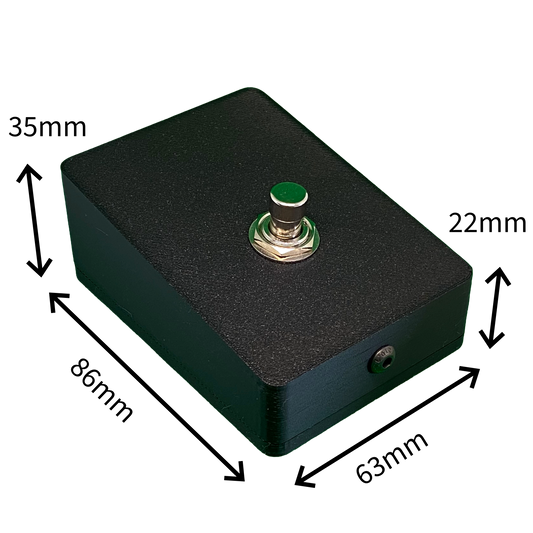
SchwiftyStomp footswitch
Regular price 611,00 DKKRegular price -
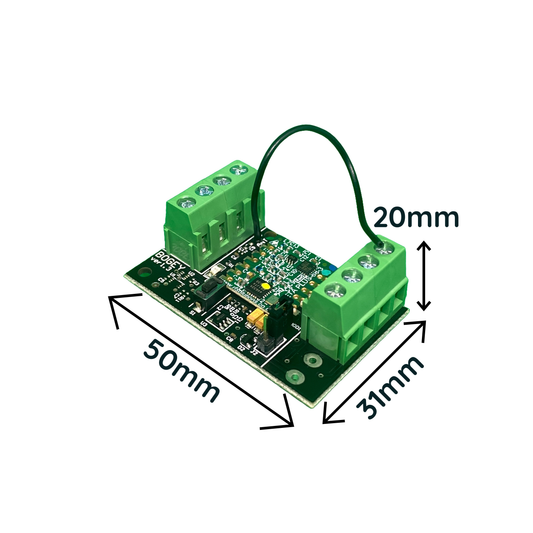
SchwiftyBogey
Regular price 458,00 DKKRegular price -
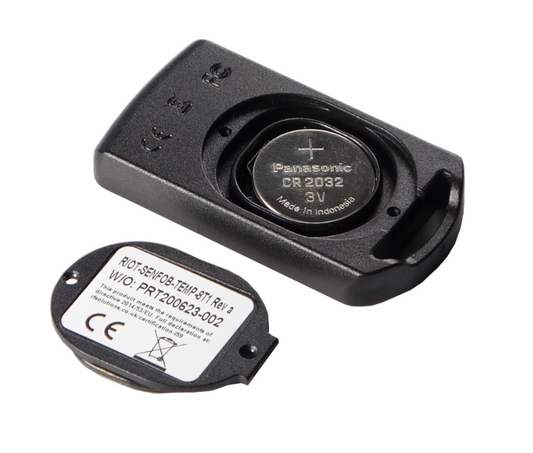
SchwiftyRemote
Regular price 382,00 DKKRegular price